
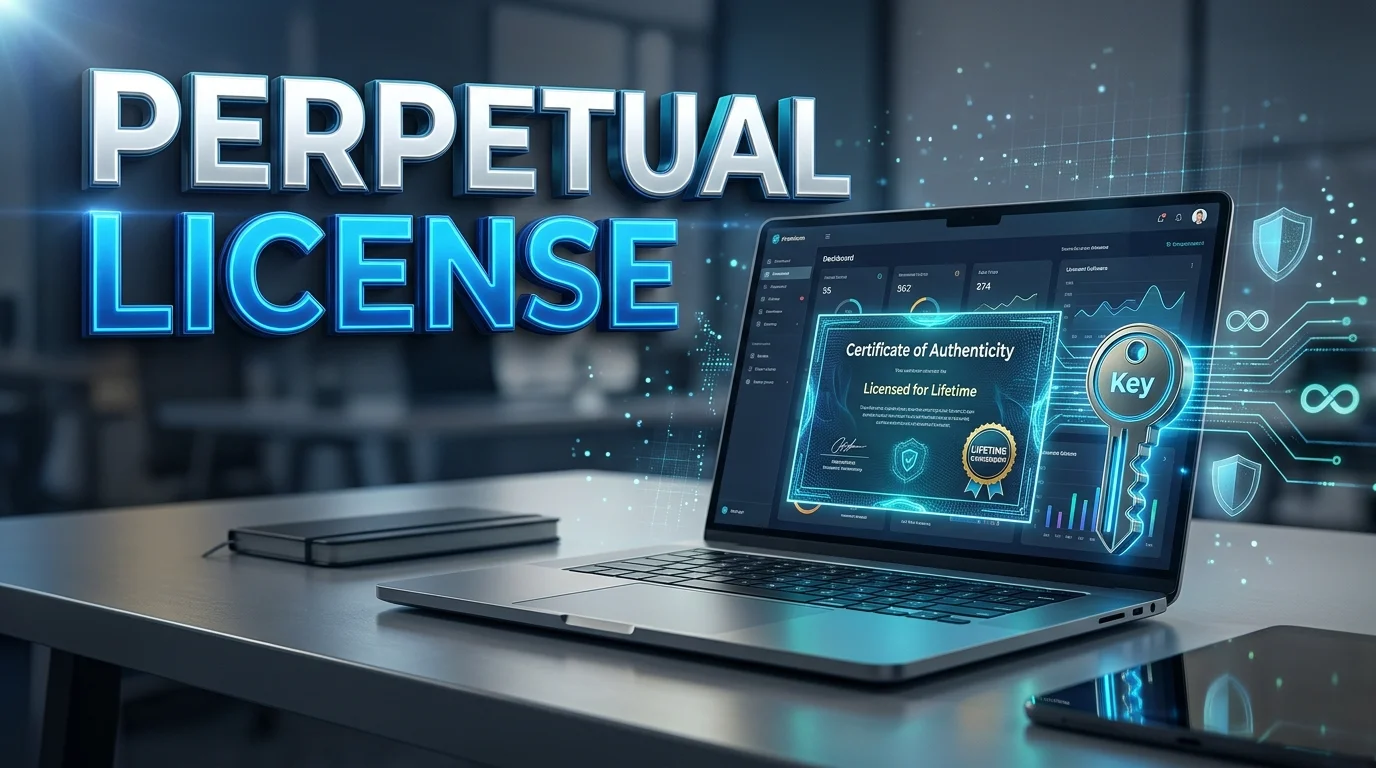
A perpetual license lets you use a specific software version indefinitely after an upfront purchase. You usually avoid recurring access fees for that version. Updates, support, cloud services, and future releases may still cost extra.
This model can suit businesses that value predictable ownership rights and stable software environments. It can also reduce long-term costs when software stays useful for years. However, the contract matters more than the word “perpetual.”
Quick answer: A perpetual software license normally gives you continuing rights to use a particular software version after one purchase. It does not usually transfer copyright ownership. Future upgrades, technical support, maintenance, online services, or compatibility guarantees may require separate payments.
| Key point | What it means |
|---|---|
| Payment model | Usually one larger upfront payment |
| License duration | No scheduled expiration for the licensed version |
| Software ownership | Vendor normally retains copyright and intellectual property |
| Updates | Minor or security updates depend on the agreement |
| Major upgrades | Often require another purchase or maintenance plan |
| Support | May expire after a defined period |
| Internet requirement | Depends on activation and product design |
| Best fit | Stable workloads and long software replacement cycles |
Key Takeaways
- You normally keep usage rights for the licensed version without monthly access payments.
- “Perpetual” describes license duration, not unlimited rights or permanent vendor support.
- A vendor can limit devices, users, locations, transfers, or permitted business uses.
- Subscription software usually costs less initially but requires continued payments.
- Compatibility can eventually end when operating systems or hardware change.
- Buyers should compare several years of total cost rather than the first invoice alone.
What Is a Perpetual License?
A perpetual license is a software agreement without a scheduled expiration date for the granted usage rights. Most buyers pay an upfront fee and activate a specific product version. The exact rights still depend on the vendor’s contract.
TechTarget describes this model as indefinite use of a particular program version after a one-time payment. Support or upgrades may continue only for a limited period. That distinction becomes important when comparing long-term costs.
The model remains available even though subscription software has become common. Microsoft still offers one-time-purchase Office products and commercial Office LTSC editions. Autodesk, by contrast, says its current software is available only through subscriptions.
Does Perpetual Mean You Own the Software?
Buying permanent usage rights generally does not mean buying the software’s copyright. The developer or another rights holder normally keeps the underlying intellectual property. Your agreement gives you permission to use the program under defined terms.
U.S. copyright law gives copyright owners exclusive rights involving reproduction, distribution, and derivative works. A standard software purchase does not automatically transfer those rights. A contract can also limit your permitted use.
Think of the arrangement as permission to use the software, not ownership of the entire product. Your agreement may restrict copying, redistribution, reverse engineering, or use on additional devices. Businesses should review those conditions before deployment.
How This Licensing Model Usually Works
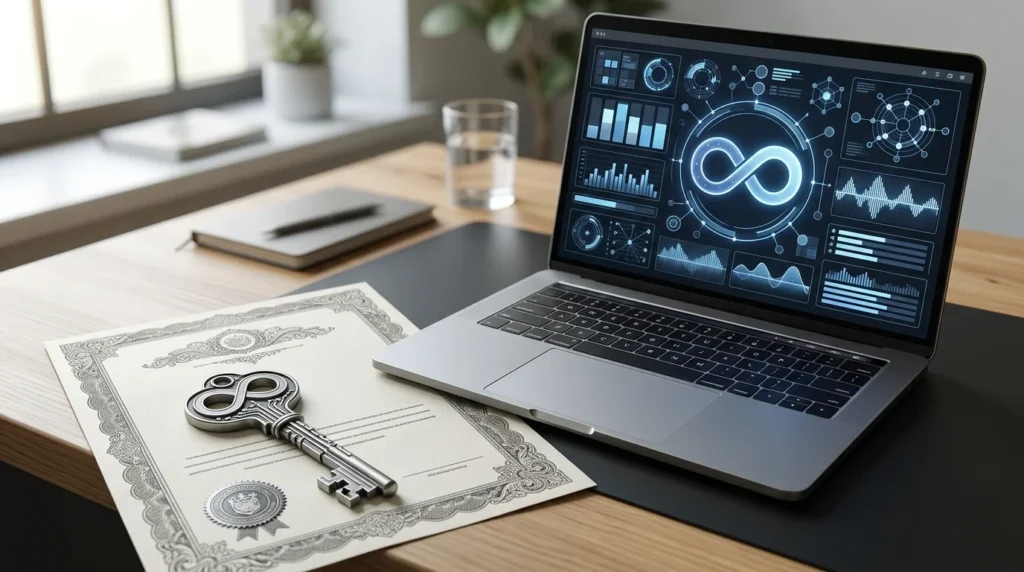
The process often begins with one upfront license purchase for a named user, computer, server, or organization. The vendor then provides an activation method or license key. Some business products use centralized license-management systems instead.
Initial support may be included for a defined period. After that period, customers may purchase maintenance or continue using their existing version. The agreement determines whether the customer continues to receive security fixes or smaller updates.
Major releases are commonly treated separately. A customer licensed for one edition may need to purchase another edition later. A maintenance agreement can sometimes provide upgrade rights while coverage remains active.
Microsoft’s Office LTSC licensing demonstrates how specific these rules can become. Commercial versions can use per-device licensing and separate Software Assurance benefits. Microsoft also lists defined lifecycle dates for supported releases.
Readers exploring related software topics can browse Technolf’s Software section. The site covers applications, business software, and technical topics for everyday users.
Perpetual License vs Subscription Software
The biggest difference concerns continued access. Permanent licensing usually preserves access to the purchased version after the initial fee. A subscription normally requires recurring payments to maintain access.
| Factor | Permanent software purchase | Subscription |
|---|---|---|
| Initial cost | Usually higher | Usually lower |
| Recurring access fee | Usually none | Monthly or annual |
| Access after payments stop | Licensed version often remains usable | Access often ends |
| New features | Usually limited | Commonly included |
| Major releases | Often separate | Commonly included |
| Support | May expire | Usually active with subscription |
| Budget pattern | Larger upfront expense | Recurring operating expense |
| Version control | More customer control | Vendor often controls releases |
Subscriptions can be attractive when teams want current features and predictable support. They also spread software spending across monthly or annual periods. Cloud-based applications often depend on this model.
Permanent licensing can work better when an organization needs a stable version for several years. This matters for specialized hardware or controlled workflows. Compatibility risk grows as that version ages.
Technolf’s guide explaining what a PC is and how its hardware and software work together provides useful background. Hardware and operating-system changes can eventually affect older applications.
What Does a Perpetual License Really Cost?
The purchase price alone does not show the complete cost. Buyers should include maintenance, support, upgrades, deployment, training, and future replacement expenses. Internal IT management can add costs for business deployments.
Consider software costing $1,200 upfront with optional $240 annual maintenance. Five years of maintenance would add $1,200 if renewed every year. Total five-year spending would be $2,400 before other expenses.
Now compare a subscription priced at $600 annually. Over five years, it would cost $3,000 if the price stayed unchanged. In this simplified example, the permanent option costs less after several years.
That comparison changes when upgrades are required frequently. It also changes if the older release loses compatibility early. Buyers should calculate realistic replacement timing instead of assuming indefinite technical usefulness.
Advantages of Permanent Software Licensing
The biggest benefit is predictable payment after the initial purchase. Organizations can continue using the licensed release without an ongoing access bill. This may benefit teams with stable software needs.
Version control can offer another advantage. Businesses may postpone feature changes that could affect workflows or training. Regulated and specialized environments sometimes value that stability.
Microsoft describes Office LTSC 2024 as designed for organizations needing a fixed on-premises release without ongoing feature updates. Its support lifecycle runs through October 10, 2029. That example shows how permanent access and supported lifespan remain separate concepts.
Disadvantages and Risks to Check Before Buying
The upfront price can be considerably higher than a monthly subscription payment. That difference matters for startups and smaller teams that need to protect available cash. It also increases the financial impact of choosing unsuitable software.
Older releases can face compatibility problems with newer operating systems or hardware. Vendor support may also finish long before customers stop using the product. Security requirements can make unsupported software unsuitable for sensitive environments.
Activation is another issue worth checking. A product could depend on vendor servers for installation or license validation. Buyers should understand what happens if those services change or disappear.
Organizations handling sensitive systems should tie software purchasing to broader security practices. Technolf’s article about software development and SOC 2 compliance explains why access control, monitoring, and change management matter.
When Does a One-Time Software Purchase Make Sense?
This approach often works well when software requirements change slowly. It also helps when users expect to keep the same application for several years. Predictable workflows make long-term cost estimates easier.
Good candidates can include offline utilities, specialized production tools, and software linked to fixed equipment. Businesses with strict change-management procedures may also prefer fixed releases. Each vendor’s terms still need separate review.
A subscription may make more sense for collaborative cloud platforms or rapidly changing applications. Frequent feature releases can provide continuing value in those products. Built-in support may also reduce internal maintenance demands.
Aging computers can also limit software lifespan. Technolf’s guide to replacing and recycling business computers covers signs it’s time to replace hardware. Software planning should account for those device cycles.
Seven Questions to Ask Before You Buy
Use the contract and product documentation to answer these questions before paying:
- Does this version truly have no scheduled expiration?
- How many users, devices, or servers does the purchase cover?
- Which updates remain included after purchase?
- When does technical support end?
- What does upgrading to a future major release cost?
- Can the license move to replacement hardware?
- Does activation depend on continuing vendor-operated services?
These questions separate permanent access from permanent usefulness. A product can remain licensed while becoming difficult to run safely. Long-term value depends on both legal rights and technical support.
Real-World Examples
Microsoft provides current examples of one-time-purchase software. Office Home 2024 and Office Home & Business 2024 include classic desktop applications for one PC or Mac. Commercial customers can also obtain Office LTSC products through eligible licensing programs.
Avid also distinguishes permanent licenses from subscriptions for products including Pro Tools and Media Composer. Its documentation explains that software can continue working after a service contract ends. Later software releases may require an active support arrangement.
Not every major vendor still offers this choice. Autodesk says it phased out stand-alone permanent licenses and now sells its software through subscriptions. Buyers should therefore confirm current licensing directly with each vendor.
Frequently Asked Questions
Is a perpetual license really forever?
The usage right normally has no scheduled expiration under the agreement. That does not guarantee unlimited upgrades, support, compatibility, or online services. Contract termination provisions may also apply in certain circumstances.
Can a perpetual license stop working?
It can become unusable for technical reasons even when the usage right remains valid. New hardware or operating systems may no longer support an older release. Activation requirements can create another dependency.
Do you get free updates forever?
Usually, you shouldn’t assume you do. Some vendors include limited updates or a defined support period. Major versions often require a new purchase or maintenance coverage.
Is a perpetual license better than a subscription?
Neither option wins for every buyer. Permanent access often suits stable, long-term use, while subscriptions favor continuous updates and lower initial spending. Compare total costs across your expected usage period.
Can you transfer the software to another computer?
Transfer rights depend on the product agreement. Some vendors permit reassignment under specific conditions, while others restrict it. Check the license terms before replacing hardware.
The Bottom Line
A one-time software purchase can provide strong long-term value when your needs remain stable. The main benefit is continuing access without recurring subscription fees. The main risk is confusing indefinite usage rights with indefinite technical support.
Before purchasing, compare expected costs over 3 to 5 years. Review device limits, upgrade rights, support dates, activation rules, and transfer conditions. Those details determine whether the model fits your actual use.
For more practical technology explainers and software coverage, browse Technolf’s latest technology guides. Use vendor documentation and the final license agreement before making a business purchasing decision.