
A voicemail number is the access number your phone uses to reach your carrier’s voice mailbox. It may work automatically when you hold the 1 key or select a message tab. Most U.S. users never need to enter this number manually.
Quick answer: Your carrier normally configures your mailbox access automatically. On Android, you can often find the stored number under Phone settings. On iPhone, carrier messaging is usually accessed through the Phone app instead. If access suddenly fails, check your carrier settings before changing any number.
| What you need to know | Quick answer |
|---|---|
| What the number does | Connects your phone to your carrier-hosted mailbox |
| Is it your mobile number? | Usually not; they serve different purposes |
| Android access | Hold 1 or check Phone > Settings > Voicemail |
| iPhone access | Use the Phone app and its message controls |
| Verizon access | Dial *86 from a Verizon mobile phone |
| AT\&T access | Press and hold 1 |
| Wrong number after carrier change | Contact the carrier before editing settings |
| Checking from another phone | Call your mobile number and follow carrier prompts |
What Is a Voicemail Number?
A voicemail number is a network access point used to connect your phone with its mailbox. Your carrier usually supplies and configures it when your line becomes active. It is different from the number friends use to call you.
The stored access value can look like a normal telephone number or a short dialing code. Your phone may hide that detail behind the 1 key or a message button. This design makes checking messages easier without remembering another sequence.
Changing this stored value does not automatically create a different mailbox. It also does not change the telephone number assigned to your SIM or eSIM. The mobile network still controls where unanswered calls are routed.
Voicemail Access Versus Your Mobile Phone Number
Your mobile number identifies the line people call when they want to reach you. Your voice mailbox is a carrier service that receives calls when you cannot answer. The access number simply provides a path into that service.
This distinction becomes important when something stops working after a phone upgrade. A wrong access setting may send you to another system or produce an error. Changing the setting cannot repair every carrier-side problem.
Here is the easiest way to separate the terms:
- Mobile number: The number other people use to call your phone.
- Mailbox: The carrier system that stores recorded messages.
- Access number: The number or code your device calls to enter that mailbox.
- PIN: The password used to protect stored messages.
- Greeting: The recording callers hear before leaving a message.
- Visual inbox: An app interface that displays messages without calling an automated menu.
How to Find Your Voicemail Number on Android
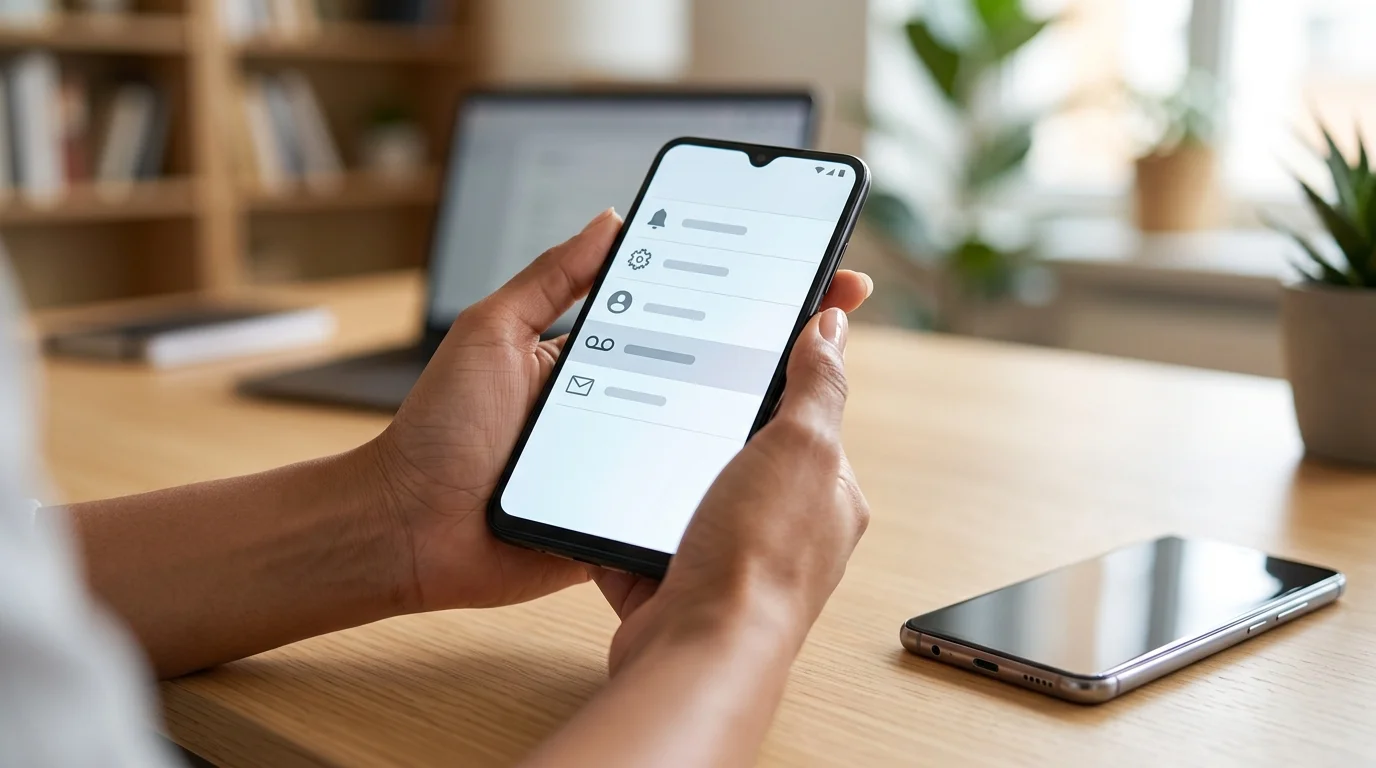
Android phones often expose the carrier access setting inside the Phone application. The exact menu names vary by manufacturer, Android version, and carrier. Google also notes that available messaging features depend on the device and wireless provider.
On many Android phones, try these steps:
- Open the Phone app.
- Tap the three-dot menu or More option.
- Select Settings.
- Choose Voicemail.
- Open Advanced settings if that option appears.
- Select Setup.
- Look for Voicemail number.
AT\&T documents a similar path on supported Android devices. Its device instructions show the stored access value under Phone settings and Setup.
Do not replace the displayed value with a number found on an unofficial forum. Carriers can use different systems for different plans or network configurations. Contact your provider when the stored value appears wrong.
If your handset has other hardware problems, start by separating software and hardware symptoms. Technolf’s phone charging troubleshooting guide uses the same one-change-at-a-time approach. That method can prevent unrelated device issues from confusing your diagnosis.
How to Access Messages on an iPhone
Current iPhones generally handle carrier messaging through the Phone app instead of exposing a manual access field. Apple says supported users can open the Phone app and use its message controls. Carrier availability still determines which features appear.
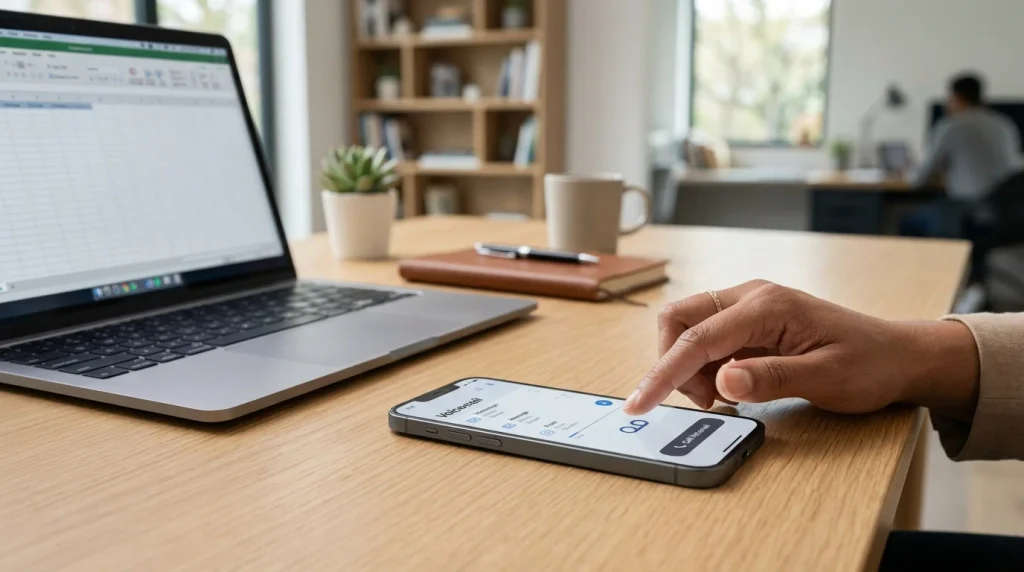
Apple also supports Visual Voicemail with many U.S. wireless providers. The feature presents recordings as a list, letting you choose which message to play. Apple’s current U.S. carrier list includes AT\&T, Verizon, and several other providers with visual support.
If the message tab disappears after changing carriers, restarting alone may not solve the problem. Your new carrier may need to activate or reprovision the mailbox. Contact the provider when setup prompts never appear.
Common U.S. Carrier Access Methods
There is no single universal U.S. access code that works across every carrier and account. Major providers publish different methods for reaching recorded messages. Always prefer instructions from your own wireless company.
| Carrier | Common access method | Important detail |
|---|---|---|
| AT\&T | Press and hold 1 | A password may be requested |
| Verizon | Dial *86 | Verizon says basic audio access remains available |
| T-Mobile | Press and hold 1 | Exact options can depend on the account and network |
| Other carriers | Hold 1 or use the carrier app | Confirm with the provider before manually editing settings |
AT\&T currently tells wireless users to press and hold 1 to reach their mailbox. Its troubleshooting guidance also recommends this method when Visual Voicemail cannot download messages.
Verizon states that customers can dial *86 from a Verizon mobile device. It also offers visual message management on compatible phones.
T-Mobile support commonly directs customers toward the 1-key shortcut. Its current UScellular migration guidance also shows that access methods can change during network migrations. That is why an old code should not be assumed to work forever.
Why Is the Stored Number Wrong?
Carrier changes are a common reason for incorrect mailbox settings. A new SIM, eSIM, network migration, or number port can leave outdated information on a device. The phone may then call an old service when you hold 1.
A device reset can create similar confusion if carrier settings are not restored correctly. Dual-SIM phones add another possibility because each line can have separate service settings. Confirm which SIM is active before changing anything.
Network problems can also imitate a mailbox configuration error. A poor cellular connection may prevent the call from completing normally. Technolf’s slow internet troubleshooting guide explains a useful diagnostic principle: isolate the connection before changing several settings.
How to Fix Mailbox Access That No Longer Works
Start with the simplest checks before editing any hidden telephone settings. A controlled sequence tells you whether the problem involves your phone or carrier. Stop when normal access returns.
- Restart your phone. This can refresh temporary network registration information.
- Confirm cellular service works. Make an ordinary call before testing message access.
- Hold the 1 key. Many U.S. carriers configure this shortcut automatically.
- Check the message app. Visual access may still work even when a shortcut fails.
- Review the active SIM. Dual-SIM users should verify the correct line.
- Check carrier updates. Install legitimate carrier or system updates when available.
- Avoid random replacement numbers. An incorrect setting can route you somewhere unexpected.
- Contact your carrier. Ask it to verify and reprovision the mailbox when necessary.
AT\&T specifically advises customers to contact support when its system requests an unexpected ten-digit mailbox identifier. The carrier can inspect configuration that a user cannot change locally.
This approach is especially useful after changing phones, SIMs, or providers. Carrier-side provisioning can survive phone resets and local setting changes. Editing unrelated settings repeatedly may therefore waste time.
Can You Check Messages From Another Phone?
Yes, many U.S. carriers let customers reach their mailbox from another telephone. You commonly call your own mobile number first. During the greeting, a carrier-specific key opens the password prompt.
Apple notes that users can call their own mobile number from another phone. They then press * or #, depending on the carrier, and enter their password.
AT\&T instructs customers to call their ten-digit wireless number from another phone. Pressing * during the greeting opens the login process. A password is required before messages can be heard.
Never enter your mailbox password after following instructions from an unexpected text or caller. Start with your carrier’s official support page instead. This reduces the risk of giving credentials to a fraudulent service.
Visual Voicemail Versus Calling the Mailbox
Traditional access plays messages through an automated telephone system. Visual services show individual recordings inside an app. You can usually select, delete, or replay messages without navigating an audio menu.
Availability depends on your carrier, plan, operating system, and device. Google says its Phone app supports visual features only with certain providers and devices. Apple gives similar carrier-dependent guidance for iPhone.
A visual inbox may also depend on mobile data for downloading carrier messages. This can make a data problem look like a failed mailbox. Calling through the 1-key shortcut can help separate those two problems.
Connected devices can introduce similar carrier compatibility questions. Technolf’s smartwatch guide explains why cellular features depend on both hardware and provider support. Checking compatibility first can save unnecessary troubleshooting later.
Should You Manually Change the Stored Access Number?
Change it only when your carrier gives you the correct value for your line. Do not assume a code from another provider will work. Even customers on related networks can have different service configurations.
A manual edit makes the most sense when carrier support confirms the stored value is incorrect. It can also help when a newly configured Android device lacks the carrier shortcut. Keep the original value recorded before changing it.
If the replacement does not work, restore the previous setting and contact the carrier. Ask support to verify mailbox provisioning, call forwarding, and account activation. Those systems cannot always be repaired from the phone itself.
Frequently Asked Questions
What is my voicemail number?
Your voicemail number is the access number or code your device uses to reach your carrier-hosted mailbox. It is normally configured automatically by the wireless provider. On many Android devices, you can view it through Phone settings.
Is the mailbox access number the same as my phone number?
No, the two numbers have different purposes. Your mobile number receives incoming calls from other people. The carrier access value connects you with stored voice messages.
Why does holding 1 call the wrong mailbox?
The shortcut may contain outdated carrier information after a SIM change, port, or network migration. Verify the active SIM and restart the device first. Contact your provider if the wrong system still answers.
Does every U.S. carrier use *86?
No, *86 should not be treated as a universal U.S. code. Verizon currently documents *86 for its mobile customers. Other carriers may use the 1-key shortcut, apps, or different access methods.
Can I listen to messages without my original phone?
Often, yes. Call your mobile number from another telephone and wait for the greeting. Use your carrier’s interruption key and enter your mailbox password when requested.
Why can I call my mailbox but Visual Voicemail does not work?
Visual services can require cellular data, compatible software, and carrier support. Basic calling may still function when the visual interface cannot download messages. Check data access and your provider’s current support information.
The Bottom Line
Your phone usually receives its mailbox access settings automatically from the carrier. Most people can reach messages by holding 1 or using the Phone app. Manual changes should be reserved for settings your provider has verified.
If access stopped after a new SIM, carrier switch, or phone upgrade, check service before editing hidden settings. Confirm ordinary calls work, restart the device, and verify the active line. Ask your provider to reprovision the service when those checks fail.
For more practical device troubleshooting, browse Technolf’s technology guides before replacing hardware or changing unrelated settings. A careful diagnosis usually reveals whether the problem belongs to the device, network, or carrier. That distinction can save considerable time.