



PC Builds

Ctrl F Explained: How to Find Text Fast on Web Pages, PDFs, and Documents

Is PLA Food Safe? What U.S. Consumers Should Know Before Using 3D-Printed PLA

What’s the Router? A Simple Guide to Home Networks, Wi-Fi, and Internet Gear

Duolingo vs Babbel: Which Language App Is Better for U.S. Learners in 2026?
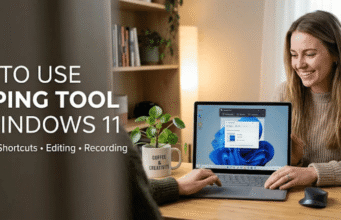
How to Use Snipping Tool on Windows 11: Screenshots, Shortcuts, Editing, and Recording
LATEST ARTICLES
Ctrl F Explained: How to Find Text Fast on Web Pages, PDFs, and Documents

Ctrl F is the standard Windows shortcut for finding text inside the page, file, or document you currently have open. Pressing the keys opens...
Is PLA Food Safe? What U.S. Consumers Should Know Before Using 3D-Printed PLA

Is PLA food safe? The answer depends on the material, additives, manufacturing process, temperature, and intended use. Some polylactic acid formulations are authorized for...
What’s the Router? A Simple Guide to Home Networks, Wi-Fi, and Internet Gear

If you’re asking what’s the router, it is the device that directs traffic between computer networks. At home, it connects your devices and usually...
Duolingo vs Babbel: Which Language App Is Better for U.S. Learners in 2026?

Choosing between Duolingo vs Babbel depends mostly on how you prefer to learn. Duolingo is better for free, game-like daily practice and a broad...
How to Use Snipping Tool on Windows 11: Screenshots, Shortcuts, Editing, and Recording
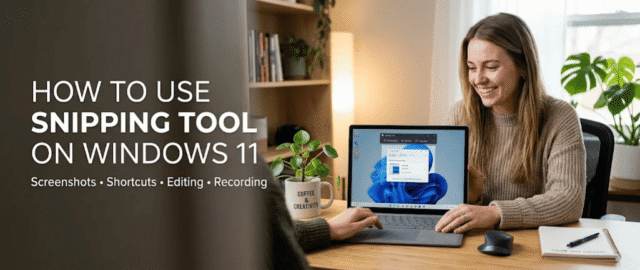
Taking a screenshot in Windows 11 takes only a few seconds once you know the right shortcut. Learning how to use Snipping Tool also...
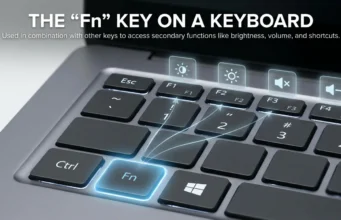
Fn Key on Keyboard Explained: What the Function Key Does, How It Works, and How to Use Laptop Function Controls, Keyboard Shortcuts, and Special Features on Windows and Mac...
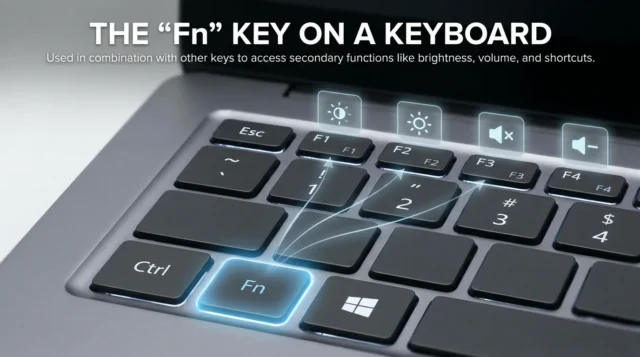
The fn key on keyboard gives laptop users access to secondary commands without adding more physical keys. You usually hold Fn while pressing another...
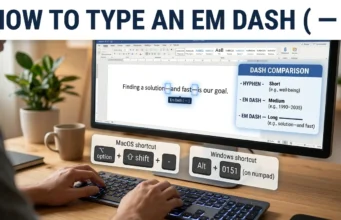
How to Type an Em Dash on Windows, Mac, iPhone, Android, and Popular Apps: Easy Keyboard Shortcuts and Simple Methods for Every Device
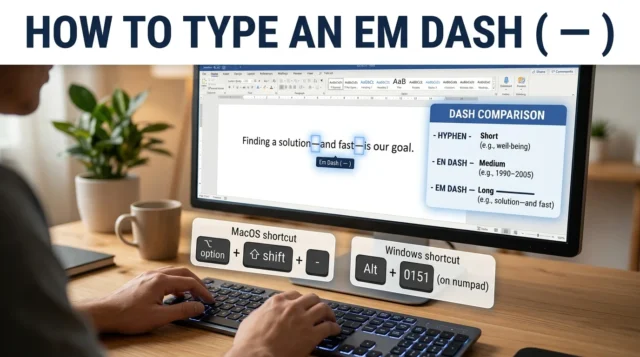
If you’re wondering how to type em dash characters, the shortcut depends on your device. Windows users can press Alt + 0151 using a...
OT Cyber Security: A Complete Guide to Understanding Operational Technology Risks, Essential Security Controls, Common Cyber Threats, and Best Practices for Protecting U.S. Industrial Organizations

OT cyber security protects systems that monitor or control physical equipment, processes, and infrastructure. These environments include factories, utilities, transportation systems, building controls, and...
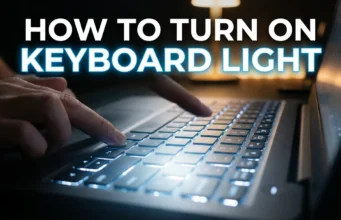
How to Turn On Keyboard Light on Any Laptop: A Complete Step-by-Step Guide to Keyboard Shortcuts, Settings, Troubleshooting, and Easy Fixes for Windows and Mac Users
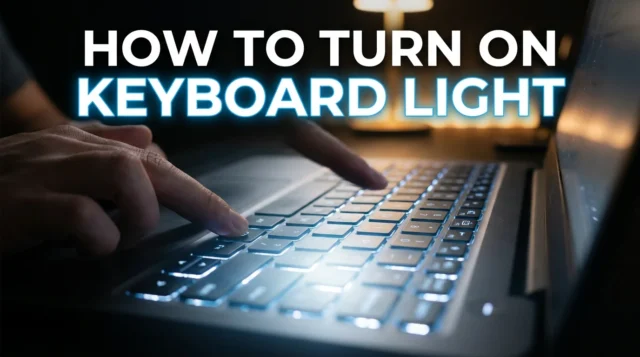
If you’re wondering how to turn on keyboard light, start by checking the top row of your laptop keyboard. Look for a key showing...
Smart Home Wiring Renovation Ideas: 11 Essential Upgrades, Modern Electrical Solutions, and Smart Home Features to Plan Before Closing Your Walls

Renovating gives you a rare chance to prepare your home for connected technology without reopening finished walls later. The best smart home wiring renovation...
Motherboards
Ctrl F Explained: How to Find Text Fast on Web Pages, PDFs, and Documents
Is PLA Food Safe? What U.S. Consumers Should Know Before Using 3D-Printed PLA
What’s the Router? A Simple Guide to Home Networks, Wi-Fi, and Internet Gear
Duolingo vs Babbel: Which Language App Is Better for U.S. Learners in 2026?
How to Use Snipping Tool on Windows 11: Screenshots, Shortcuts, Editing, and Recording
Fn Key on Keyboard Explained: What the Function Key Does, How It Works, and...
How to Type an Em Dash on Windows, Mac, iPhone, Android, and Popular Apps:...

OT Cyber Security: A Complete Guide to Understanding Operational Technology Risks, Essential Security Controls,...
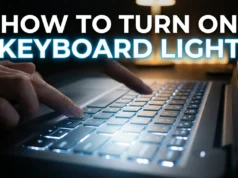
How to Turn On Keyboard Light on Any Laptop: A Complete Step-by-Step Guide to...

Smart Home Wiring Renovation Ideas: 11 Essential Upgrades, Modern Electrical Solutions, and Smart Home...
How to






More