
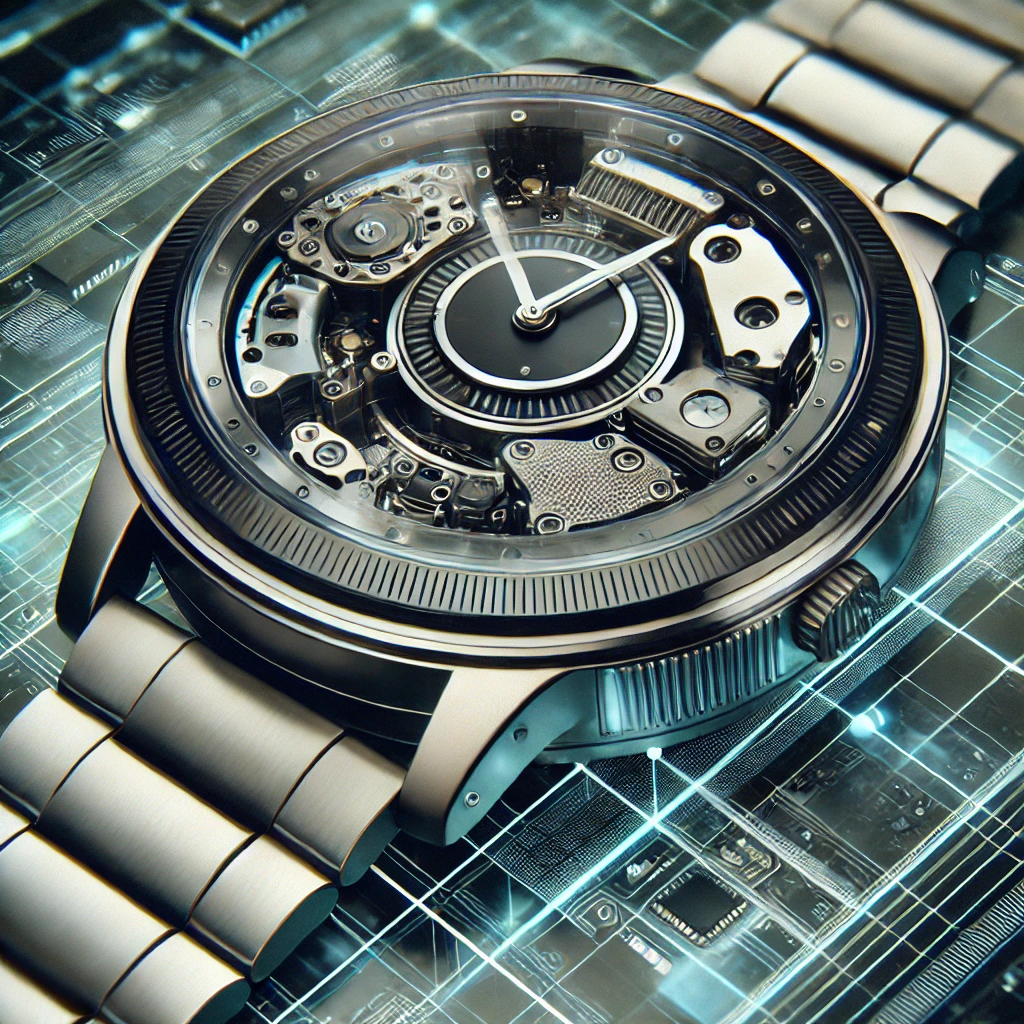
Huawei smartwatches are an excellent addition to your wearable technology collection. Equipped with features like health monitoring, fitness tracking, and seamless connectivity with other Huawei devices, they have become essential tools for many users across South Africa. One common challenge, however, is battery life. Like all smart devices, Huawei watches need regular charging to function throughout the day, but by following some simple tips, you can maximize their battery performance and enjoy uninterrupted usage.
1. Optimise Screen Settings
The display is one of the biggest battery consumers on any smartwatch. Huawei watches feature bright, high-resolution screens that can drain battery quickly when set to maximum brightness or long screen timeouts. To extend battery life, reduce the screen brightness and set the screen timeout to the shortest comfortable duration. If you don’t need the display on constantly, enable sleep mode so the screen turns off after a few seconds of inactivity.
On several Huawei models, you can activate “Ambient Mode,” which keeps the screen on with a minimalist watch face that consumes less power than the full display. You can enable this option by navigating to display settings on your Huawei watch.
2. Use Battery Saver Mode
Huawei smartwatches come equipped with a built-in Battery Saver Mode designed to extend battery life when it gets low. This mode limits background activity, disables non-essential notifications, and restricts GPS usage to conserve power. To activate it, simply go to your watch’s settings and toggle Battery Saver Mode on.
Additionally, some models offer multiple power-saving modes which you can customize according to your usage habits, allowing you to optimize battery life without disabling core functionalities.
3. Manage Your Notifications
Constant notifications can significantly impact your Huawei watch’s battery life. To prevent unnecessary drain, limit which apps can send notifications to your watch. For example, if you’re not dependent on social media or email alerts, disable notifications for these apps via your watch’s notification settings. This reduces screen wake-up events and vibration alerts, saving valuable battery power.
4. Turn Off Unused Features
Huawei watches pack many features such as fitness tracking, continuous heart rate monitoring, and GPS. However, not all features are needed all the time. For instance, turn off GPS when not exercising outdoors and disable continuous heart rate monitoring if you don’t require constant tracking. Also, consider turning off automatic syncing and updating features, choosing to sync your watch manually to conserve battery.
5. Update Your Watch
Keeping your Huawei smartwatch up-to-date is essential for optimal battery performance. Huawei frequently releases software updates that include bug fixes, battery optimizations, and performance improvements designed to extend battery life. Be sure to enable automatic updates or check for new updates regularly to ensure your watch operates efficiently with the latest software.
6. Use Huawei’s Power Management Tools
Huawei smartwatch models include dedicated power management tools to help optimize battery consumption. Features like Huawei TruSleep not only monitor your sleep quality but adjust watch functions accordingly to reduce power use during sleep hours. Engaging power-saving features like this can help extend battery life without compromising essential metrics and notifications.
For example, the Huawei Watch GT 5 and Huawei Watch Fit models offer up to 10 days of battery life on a single charge, depending on usage. Following these power management strategies can help you get the most from your device’s battery capacity.
7. Disable Vibration
Vibration alerts consume more power than you might expect. If constant vibrations aren’t necessary for you, disable them entirely or limit vibration alerts to only the most important notifications like calls. Adjust these settings in your watch’s notification preferences.
8. Charge Efficiently
How you charge your Huawei smartwatch also impacts battery health and longevity. Avoid letting the battery drain completely to 0% before charging. Instead, recharge when the battery reaches around 20-30% to preserve its lifespan. Always use the official Huawei charger or a certified third-party charger to ensure safe and efficient charging without damaging the battery.
Conclusion
By applying these practical tips—optimizing screen settings, managing notifications, disabling unused features, utilizing Huawei’s power management tools, and charging efficiently—you can significantly extend the battery life of your Huawei watches Huawei smartwatch. This ensures your device stays powered throughout your busy day without compromising on performance or functionality.
Frequently Asked Questions (FAQs)
Battery life varies by model and usage, but many Huawei smartwatches offer between 7 to 10 days of battery life under typical usage conditions. Heavy use of features like GPS and constant notifications can reduce this duration.
Yes, Battery Saver Mode restricts some non-essential features such as GPS and background syncing to conserve battery. However, it keeps important functions like time display and essential notifications active.
You can check and install the latest updates via the Huawei Health app on your smartphone or directly through the watch’s settings under System > Software Update.
Using certified third-party chargers that meet Huawei’s specifications is generally safe. However, to protect your battery and device, it is best to use the original charger or officially approved alternatives.
Disabling sensors like heart rate monitors or GPS can reduce battery drain but might affect the accuracy and completeness of your health and activity data. Use discretion based on your needs.
Want to know about ‘How to Make Your Huawei Smartwatch Battery Last Longer: Tips and Check out our ‘How to‘ category.